

yaml or yml extensions and the rules should be inside a gzip or tar archive.
Import SAST rules through the user interface
You can bulk import rules through the user interface.- Select User menu > Policies & Rules from the left sidebar.
- Select SAST RULES.
-
Click Import.
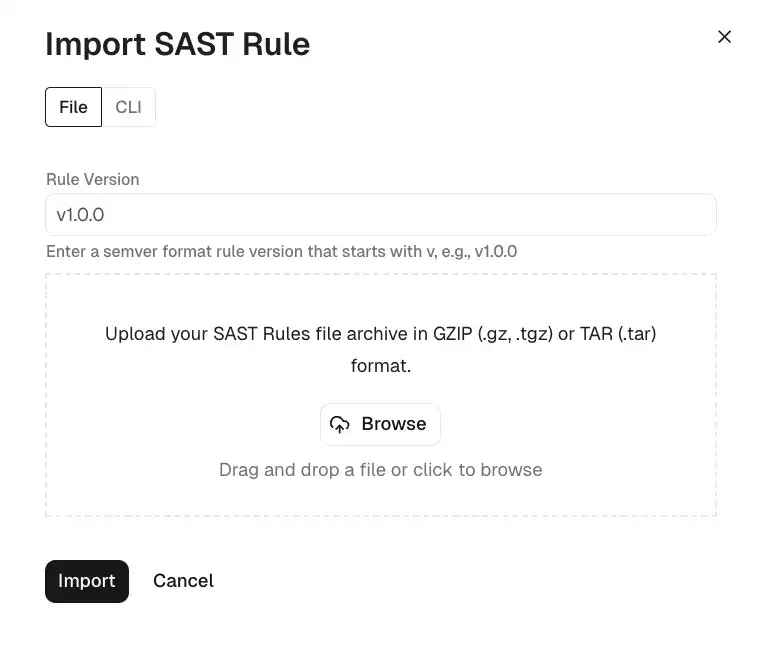
- Click Browse and select the archive file that contains the rules.
- Enter the version of the rule, if required. If you do not enter a version and the rules already exist in the system, the rule upload may fail.