

- Select Discovery > Open Source Packages from the left sidebar.
-
Type in the search bar to look for open source packages and click Search Open Source Packages.
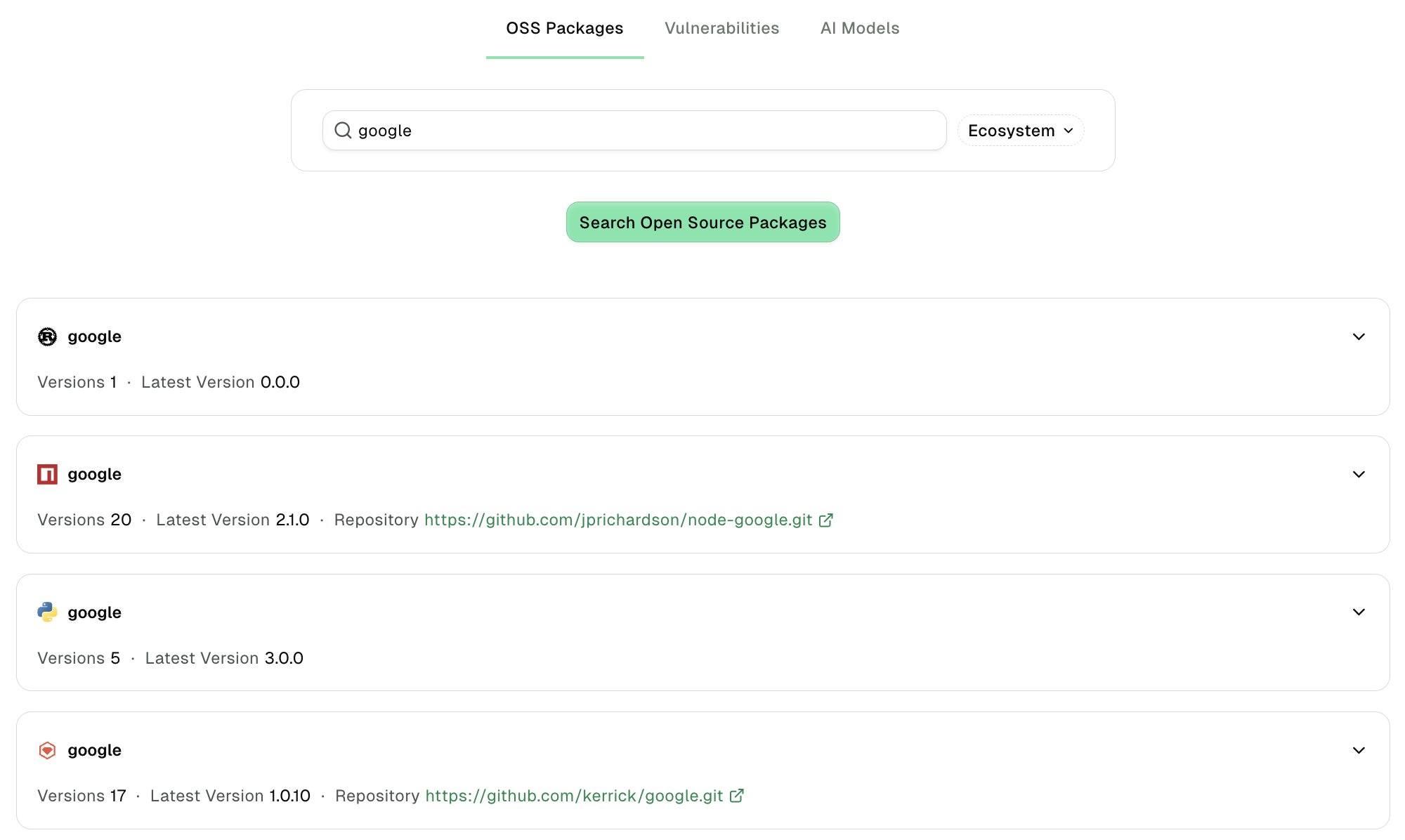
- Choose the Ecosystem and click Search Open Source Packages to look for packages by their ecosystem.
-
Select a search result to review the list of package versions, their dependencies, and Endor security scores.
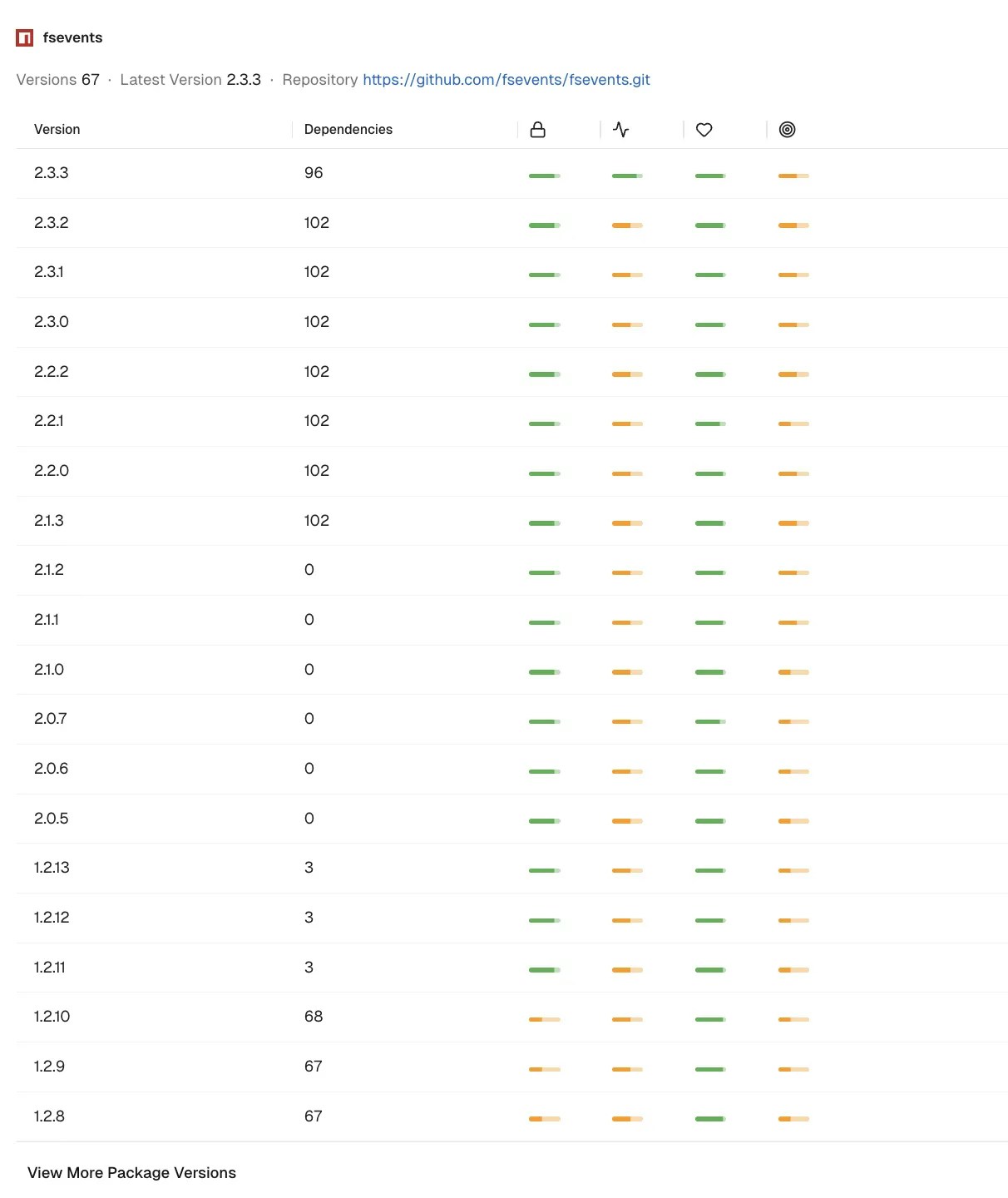
- Select a package version to open its details page.
Review package version details
The package version details page shows the package name and version, Endor security score, and a link to the source repository when available. Use the version selector next to the package name to switch to another version of the same package. See Endor scores to learn how Endor Labs calculates these scores. The package version details page organizes information into the following tabs:-
Select Overview to review the following information:
- Package Version Scores: The Security, Activity, Popularity, and Quality Endor Scores for the version.
- Score Factors: The factors that contribute to each score. Click All Score Factors to see the complete list.
- Finding Risk Matrix: The package version’s findings mapped by severity and finding category. Use the category selector to filter the matrix.
- Top Metadata: Dependency counts, dependency pinning, dependency scopes, and declared and discovered licenses.
- Select Findings to review the security findings for the package version. You can filter findings by severity, finding category, or other criteria, and save frequently used filters for later.
- Select Dependencies to review the packages this version depends on. Choose Packages or AI Models to switch between dependency types.
- Select Dependency Graph to see a visual graph of how the package version’s dependencies connect.
Export an SBOM or VEX for a package version
You can generate a software bill of materials (SBOM) or a Vulnerability Exploitability eXchange (VEX) document for a single package version directly from its details page.- SBOM
- VEX
- Click Export in the top right corner.
- Select SBOM.
- Optionally, click All packages included to select specific packages instead. If you leave it as is, Endor Labs includes every package in the export.
-
Choose a Format from CycloneDX or SPDX.
CycloneDX
- Choose whether to export as an Application or a Library. If you choose Application, enter an Application Name.
- Choose a File Format from JSON or XML.
SPDX
- Enter an Application Name.
- Choose a File Format from JSON or Tag-Value.
- Optionally, select Include test dependencies.
- Click Export to download the SBOM.