

- Select Settings from the user menu.
- Select License.
- Select License Info from the left sidebar.
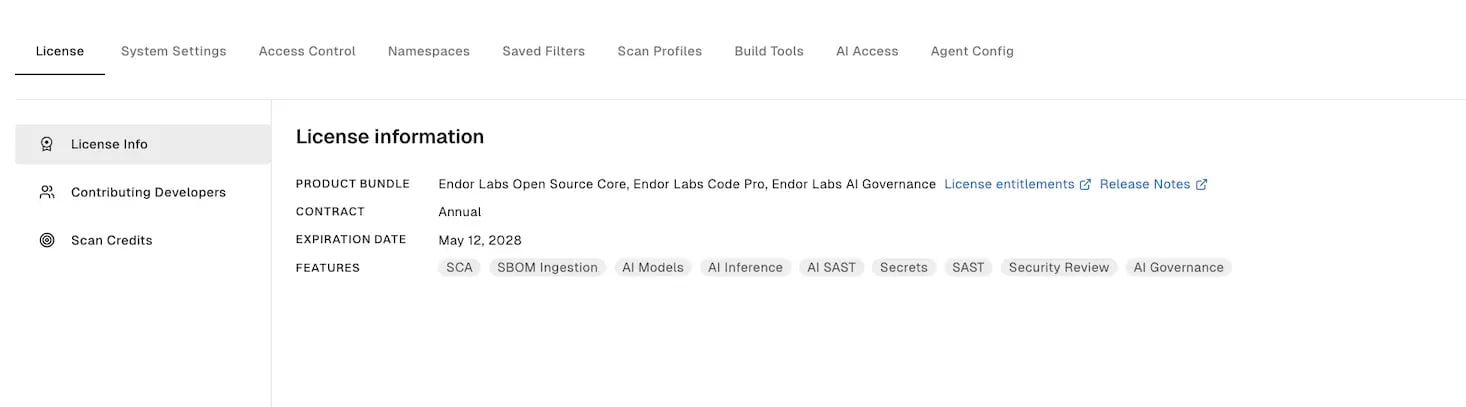
Code contributors
License consumption is measured in code contributors. A code contributor is any person who authored or co-authored a commit on a scanned branch in the past 90 days, regardless of who committed or merged it. Each contributor is counted once across all namespaces in your tenant, deduplicated by commit email. The license consumption count is the total number of unique code contributors at a point in time. Commits that exist only on an open pull request branch are not counted until they merge into a scanned branch. Click Download CSV to download the list of code contributor email addresses, SCM IDs, host URLs, and verification status as a CSV file. The verification status column shows Yes for verified contributors and No for unverified ones.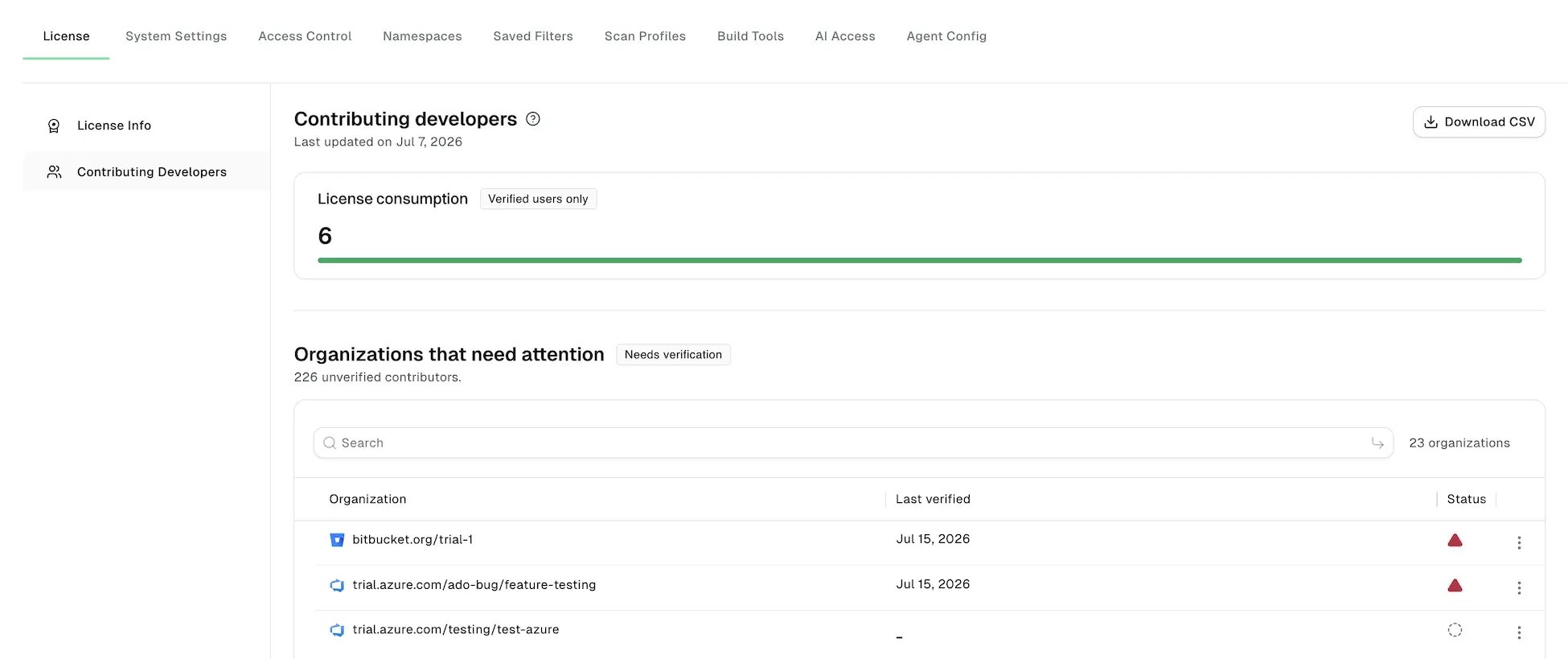
- Verified: A code contributor whose commit email is linked to a confirmed SCM account, such as a GitHub identity. Multiple commit emails linked to the same SCM account are counted as one in the license consumption count.
- Unverified: The commit email could not be associated with an SCM identity. This also happens when branches are scanned in CI or CLI mode, where the scan has no access to SCM APIs to resolve identities.
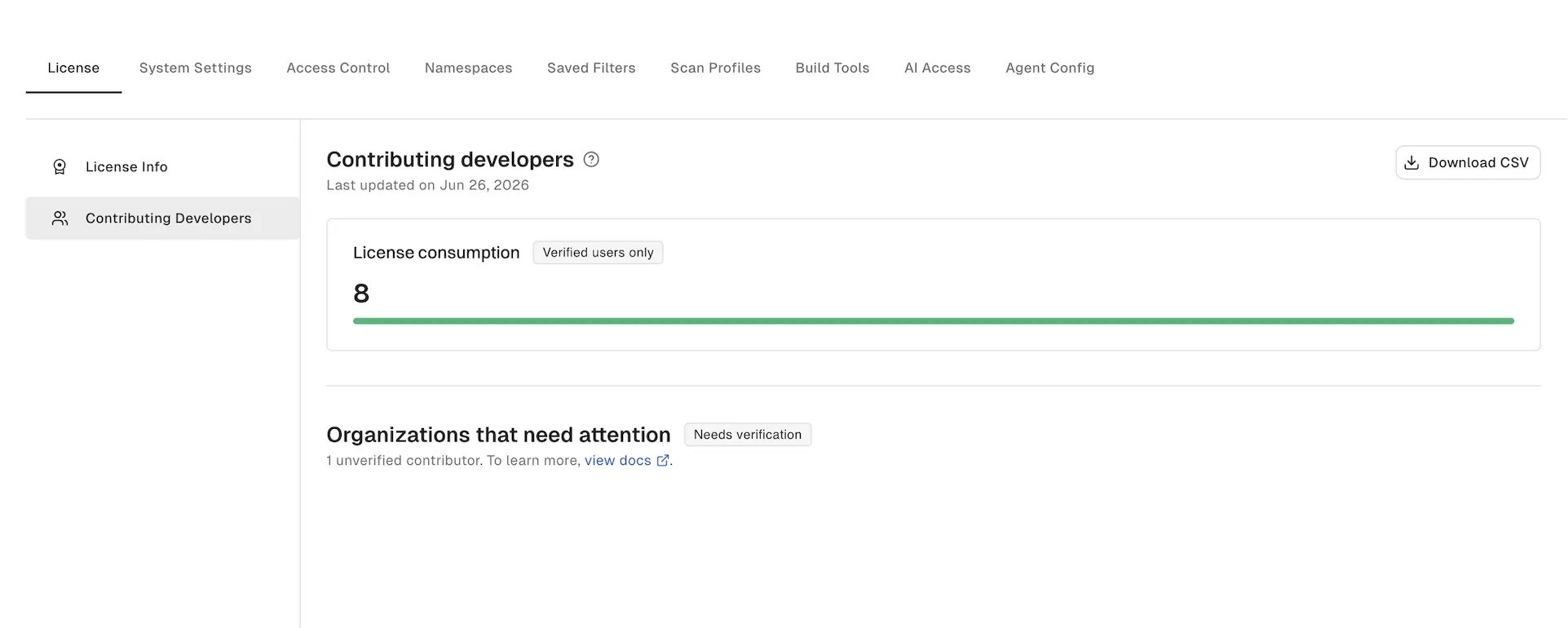
Organizations that need attention
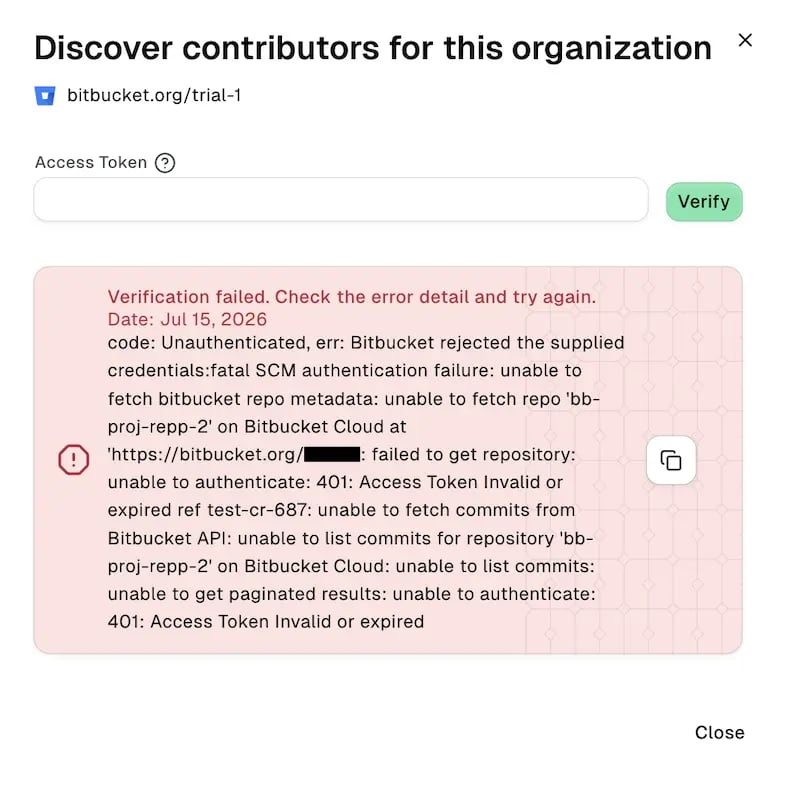
The Organizations that need attention list shows organizations with unverified contributors. Verify these contributors to get an accurate license consumption count and resolve code contributors who would otherwise be counted incorrectly. For projects scanned with scheduled, agentless scans, Endor Labs verifies contributors automatically through SCM APIs. Projects scanned through the CLI or in CI need manual verification. To verify contributors:- Click the vertical three dots on the organization you want to verify and select Verify contributors.
- Enter the access token with the required permissions. See Supported SCM platforms and access tokens to learn more.
- Click Verify.
Supported SCM platforms and access tokens
To verify contributors, use an access token with the minimum permissions required for your SCM platform, as shown in the following table.Scan credits
Your license includes scan credits for each code contributor, which pool across your contract term. The page shows your scan credit usage and total scan credit pool. Each PR scan, monitored branch scan, and default branch scan above the allowed limit counts toward the scans permitted by your contract plan. For the full breakdown of which scans count toward your credits and which are exempt, see Included and additional scans. For per-seat allocations, credit pooling, and overage, see Endor Labs licenses.Frequently asked questions
Verification failed with an authentication error. What should I do?
Verification failed with an authentication error. What should I do?
Your access token is invalid, expired, or missing permissions. Generate a new token with the required permissions and verify again.
Why does verification show an error when some projects succeeded?
Why does verification show an error when some projects succeeded?
Verification succeeded for some projects and failed for others. Download the CSV to see which projects failed, fix the cause, and verify again.
Are bots counted toward the contributor count?
Are bots counted toward the contributor count?
No. Endor Labs automatically filters known bots, such as Dependabot, Renovate, and GitHub Actions, so they are not counted. Other bots may still appear in the contributor list. Contact your account team for additional information.
How is the access token handled?
How is the access token handled?
Endor Labs clears the token after verification and does not store it. Enter it again each time you verify.
Why did the contributor count change without anyone doing anything?
Why did the contributor count change without anyone doing anything?
The count reflects commits from the past 90 days and refreshes periodically. Contributors who have not committed in that window drop out automatically.
How is a code contributor who contributes to multiple projects counted?
How is a code contributor who contributes to multiple projects counted?
Once. A code contributor who commits to multiple projects counts only once toward your license consumption.
Does Endor Labs block scans when total usage is over the scan credit pool?
Does Endor Labs block scans when total usage is over the scan credit pool?
No. Scans continue and any overage appears in your usage. Contact your account team to add more credits.
Why do some contributors stay unverified even after I run verification and there are no further entries in this section?
Why do some contributors stay unverified even after I run verification and there are no further entries in this section?
Their commit emails are not linked to any SCM account, such as local machine addresses, bot commits, or typos in the Git configuration. Download the CSV to find them, then link the email to the SCM account or correct the Git configuration. Contact your account team for additional information.