

- Configure scan profile through the Endor Labs user interface
- Configure scan profile through
scanprofile.yaml - Configure scan profile through the Endor Labs API
Auto detection of toolchains
Auto detection runs only when the project’s scan profile doesn’t set a toolchain for the scan’s operating system and architecture. It identifies the toolchain versions the project requires and compares them with the versions that Endor Labs supports for that platform. See the toolchain support matrix to learn more about supported versions and auto detection to learn about the complete process.To enable auto detection in endorctl scans, use the
--install-build-tools and --enable-build-tools-version-detection flags together. With only --install-build-tools, endorctl installs the toolchains from the scan profile, or the default toolchain versions.Build tool use case scenarios
Understanding build tool use cases helps you improve scan accuracy and streamline your scanning process. Here are some common use cases for build tools that show how you can customize scan profiles to better match your project’s needs.Configure tool versions for multi-language projects
You can configure language-specific tool versions in a single scan profile based on OS and architecture. For example, to scan a multi-language repository withPython, Go, and Node.js, set Python 3.9.19, Go 1.22.6, and Node.js 22.23.4. During the scan, Endor Labs applies the configured toolchain version for each language. This ensures accurate builds, better dependency resolution, and improved findings.
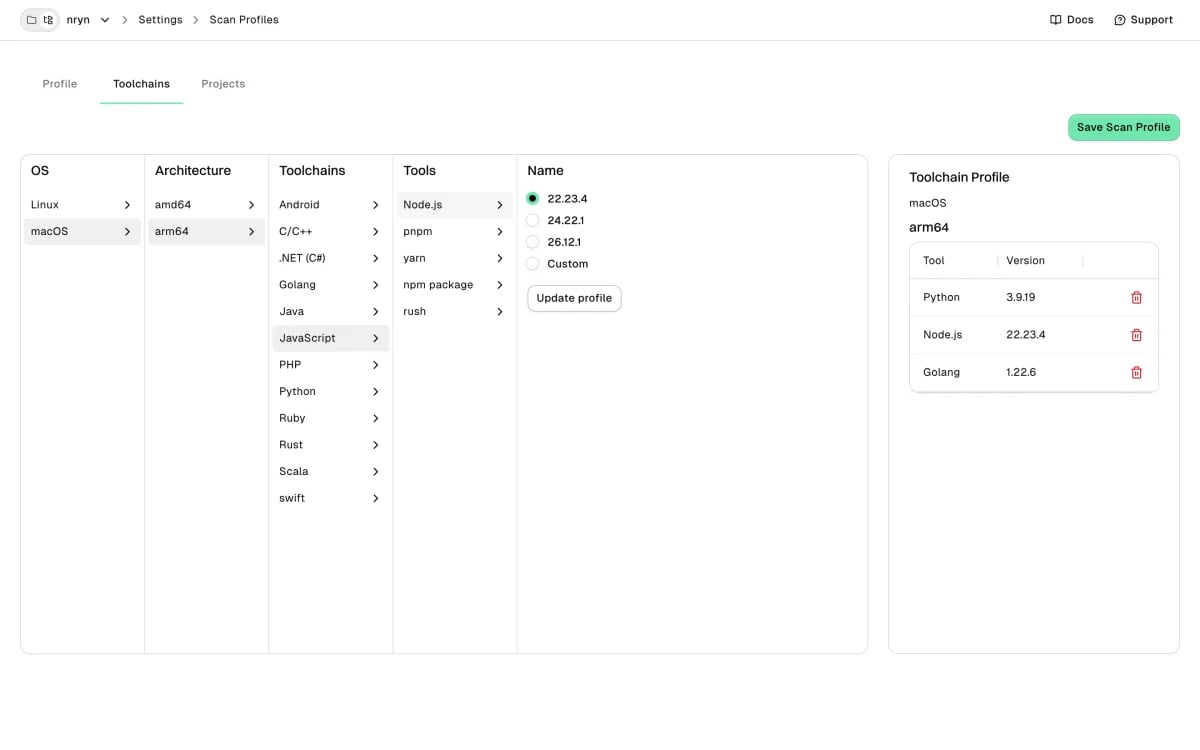
Toolchain versions across different architectures
In a multi-architecture environment, you can configure toolchains for each operating system and architecture combination to ensure scans align with system-specific setups. For example, a scan profile sets.NET 8.0.303 for Linux AMD64, and Go 1.20.14 and Java 17.0.12 for macOS ARM64. A scan on each platform uses the toolchains configured for it, even when the machine has other versions installed.
If the scan profile sets no toolchain for a platform, Endor Labs runs auto detection when it’s enabled. It uses the Endor Labs default toolchain for any language that auto detection doesn’t resolve.

Configure custom toolchains for unsupported versions
Set up a custom toolchain version when your project depends on a specific version not provided by Endor Labs. This gives you precise control over the scanning environment and helps avoid issues caused by version mismatches. For example, the default list includes Java8, 11, 17, 21, and 25. If your project needs 23.0.2 and you haven’t configured a toolchain, the scan fails. In such cases, create a custom build toolchain for Java 23.0.2 in your scan profile and link it to your project. When you re-run the scan, Endor Labs uses the configured 23.0.2 version and gives reliable results. This configuration works only in the namespace where you created the build tool. See configure custom version for the toolchain to learn how to configure custom version for a toolchain.
For Node.js, a custom version installs as configured when it downloads from a location other than nodejs.org. See Node.js version selection to learn how Endor Labs handles a nodejs.org pin.

Custom and default toolchain version strategy
Endor Labs selects the toolchain version for each language based on your scan profile. When you configure toolchain versions for some languages and leave others unspecified, the scan uses your specified versions and defaults to the Endor Labs toolchain matrix for the remaining languages. For example, your scan profile setsPython 3.9.19 for macOS ARM64 but no Go version. A scan of a Python and Go repository on macOS ARM64 uses Python 3.9.19 and the default Go 1.24.6. This approach ensures your project builds successfully without requiring extra configuration.
A JavaScript toolchain in a scan profile must include a Node.js version. You can’t save a profile that sets only Yarn or pnpm.
Reuse build tool configurations across multiple projects
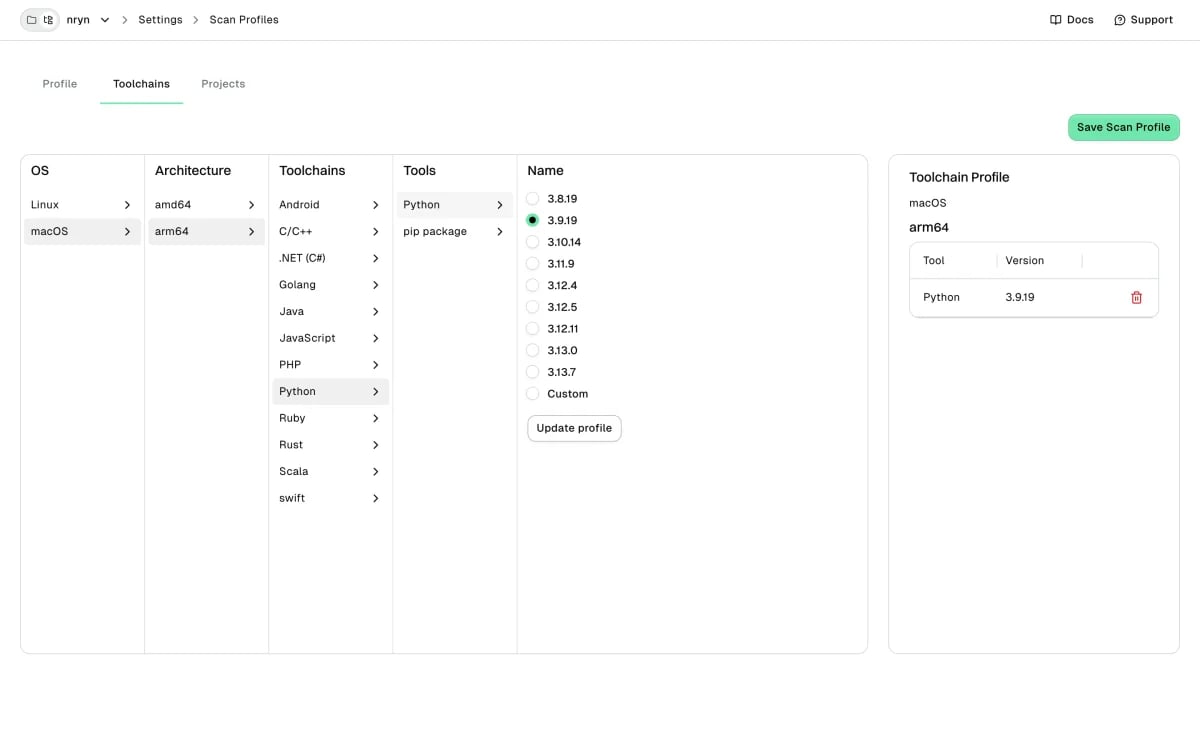
Multiple projects often need the same custom toolchain versions. For example,Project A needs Python 3.13.0 and Go 1.24.5, and Project B needs the same versions plus Java 22.0.2. Python 3.13.0 isn’t in the Endor Labs supported list for macOS ARM64, so configuring it separately for each project takes time.
Instead, configure Python 3.13.0 once as a build tool in your namespace and name it 3.13.0. Go 1.24.5 is already in the supported list. See configure build tools for setup instructions.

- For Project A’s scan profile, add these reusable build tools in its scan profile.

- For Project B’s scan profile, add the same reusable build tools and the additional Java toolchain.

Use clear, unique, and consistent naming for build tool and scan profiles to improve visibility and promote reuse. For example
frontend-node22, backend-java17, shared-go120.