-
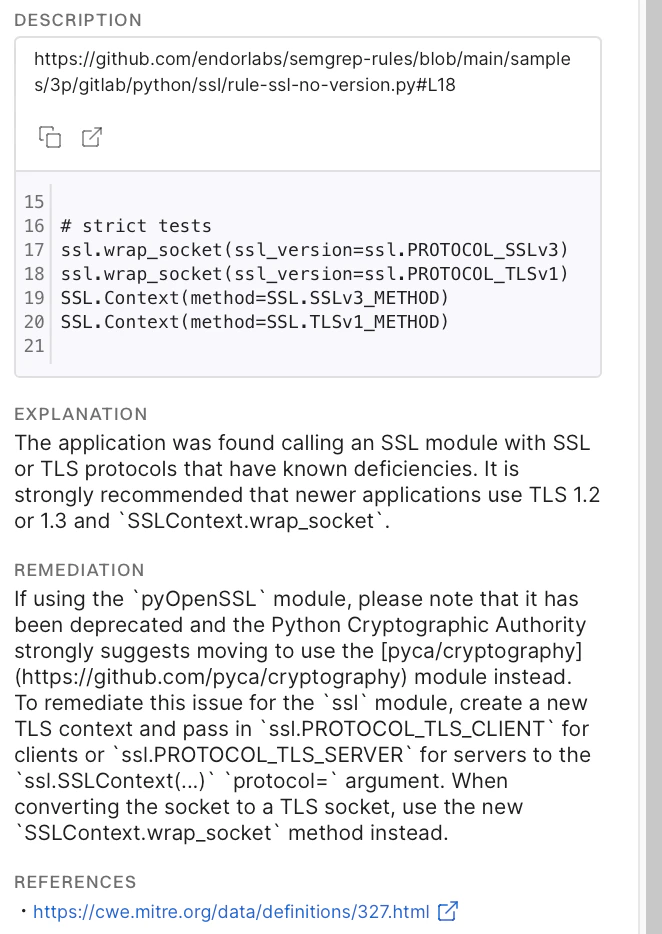
explanation: An explanation of the issue. -
remediation: Possible remediation steps you can take to fix the issue. -
cwe: The CWE ID of the issue. The OWASP or SANS-25 category of the CWE ID will automatically appear under Rule Tags in Findings if such a mapping can be established. The following image shows an example where the CWE-22 is automatically mapped to the appropriate category.
-
impact: The impact of the issue. Impact is one of the factors that determines the severity of the issue. See SAST severity matrix for more information. -
confidence: The confidence level that the issue is real. Confidence is one of the factors that determines the severity of the issue. See SAST severity matrix for more information.