View SAST Findings
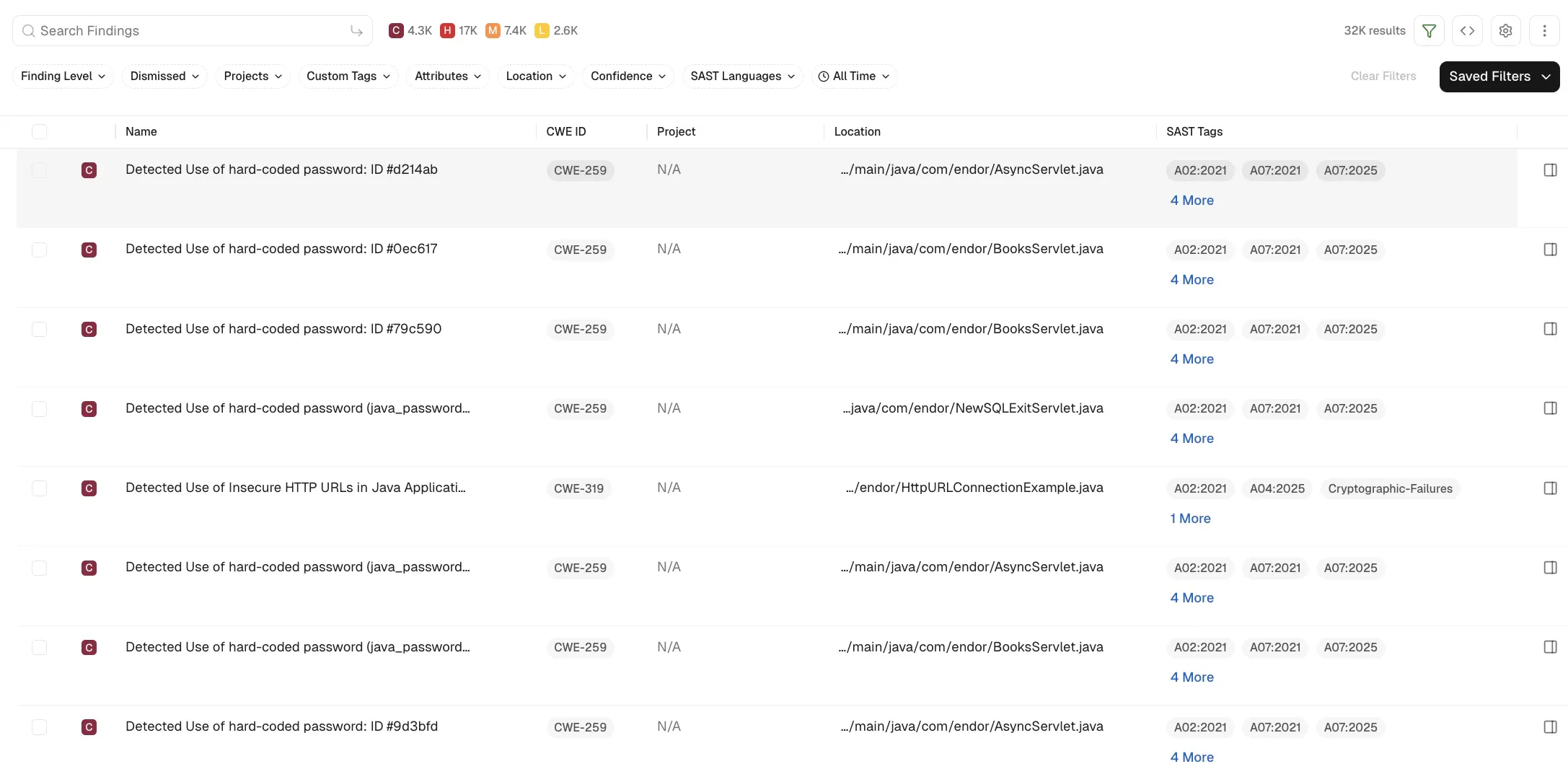
You can view SAST findings in the Findings page.
-
From the left sidebar, select Findings.
-
In the Findings page, select SAST under First Party Code.

-
You can use the filters to further refine the SAST findings.
-
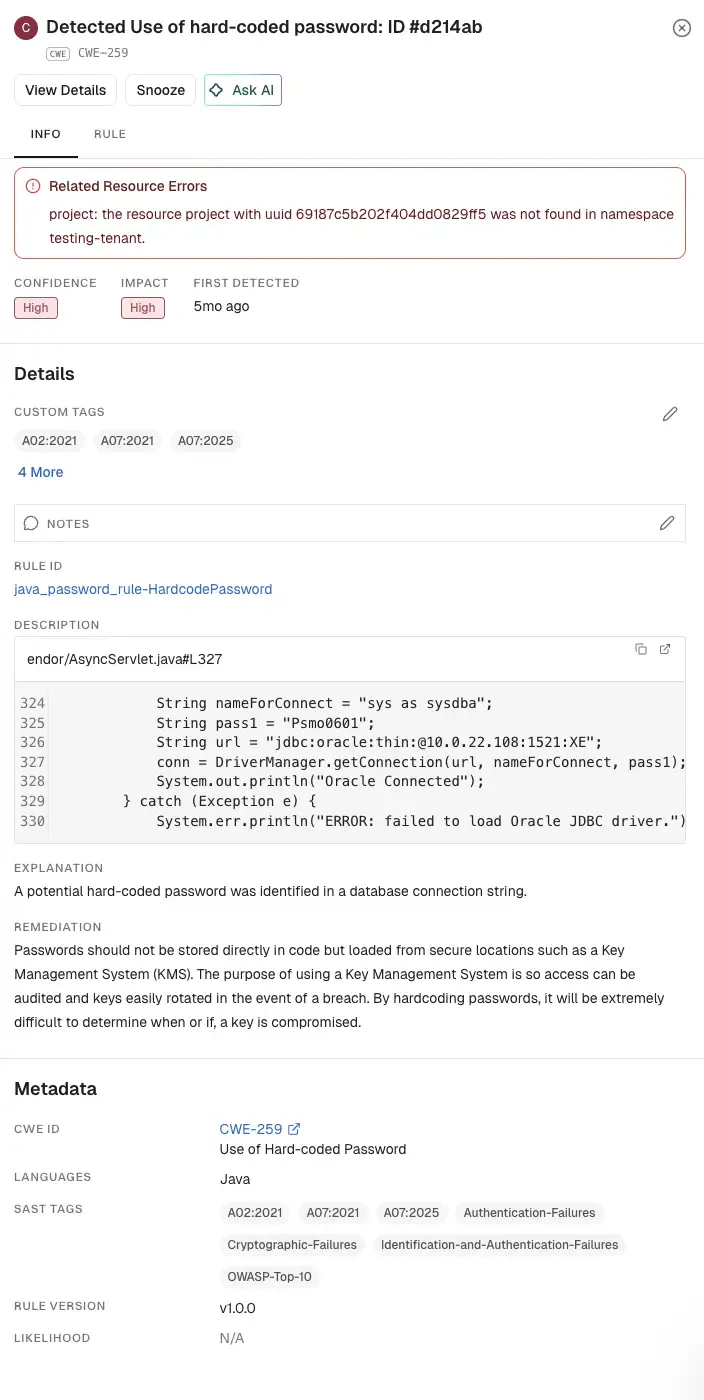
Select the detail icon in a finding to view the detailed information.
-
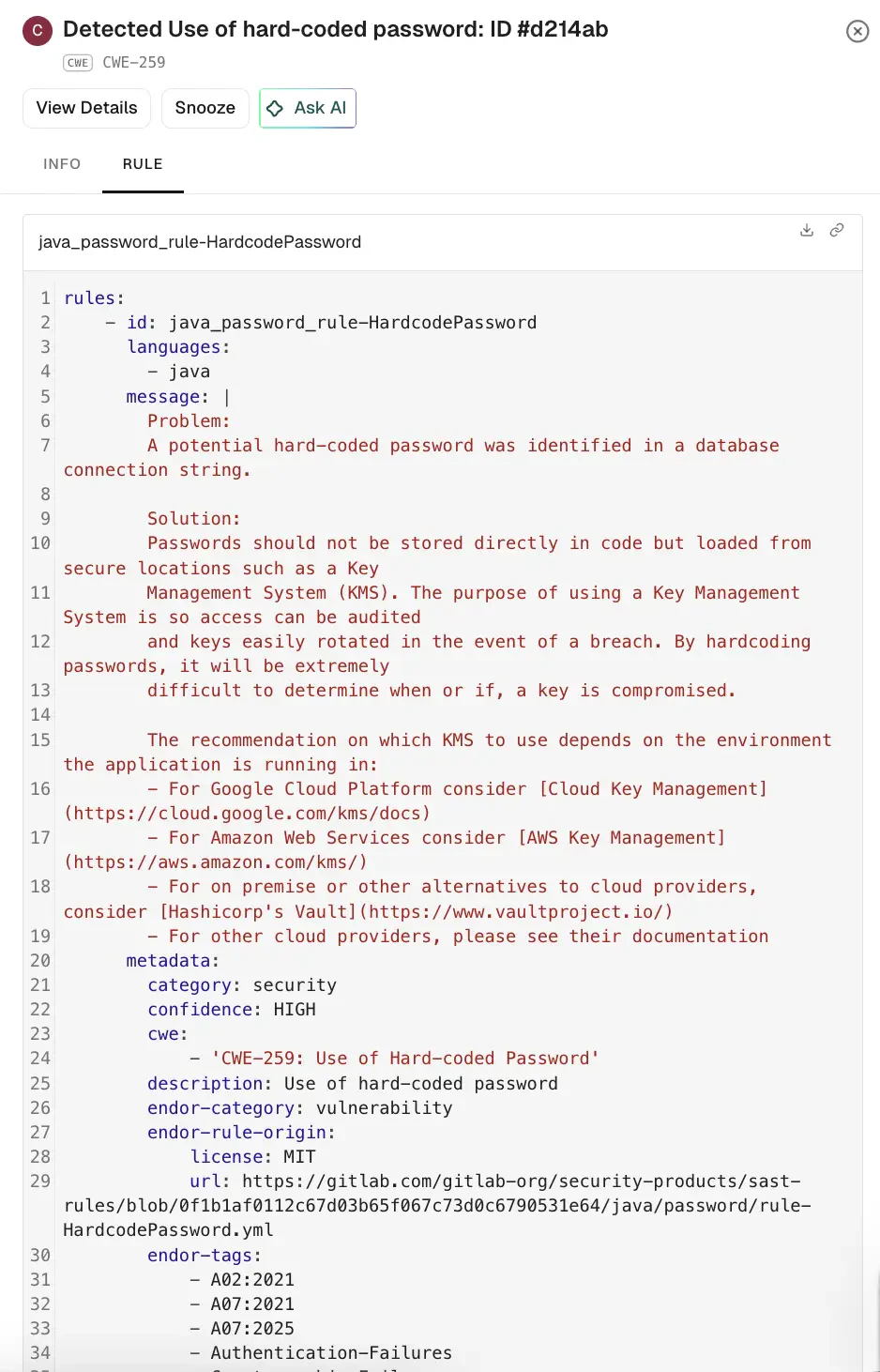
Select Rule to view the rule that triggered the finding.
-
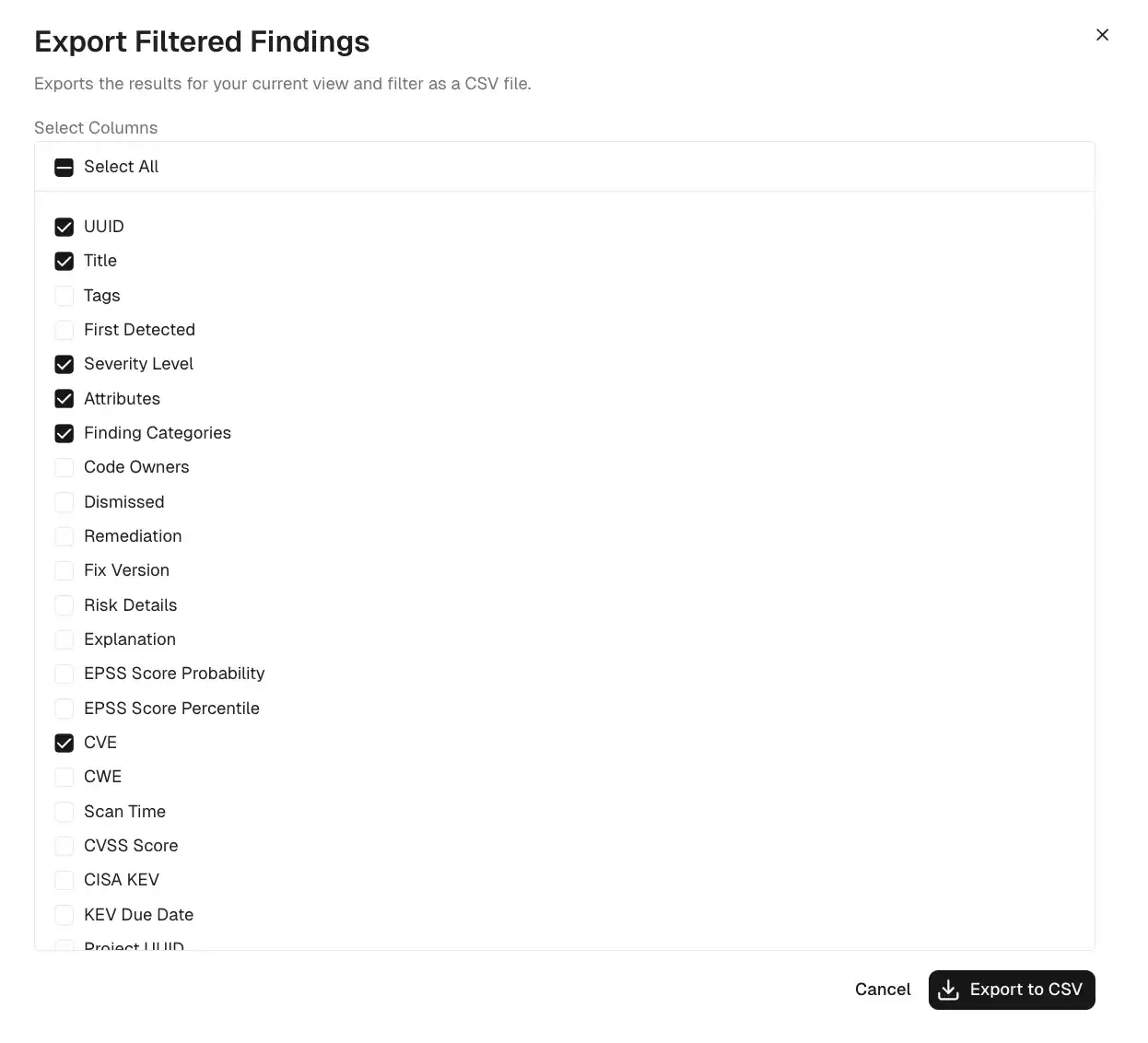
To export findings as a CSV file, select the findings, click the vertical three dots, and select Export Selected or Export All. See export findings to learn more.
Group by filters for SAST findings
You can use the group by filters to have granular view of SAST findings in your project.
You can group findings by the following parameters for SAST:
- Findings
- Rule ID
- Location
-
From the left sidebar, select Projects.
-
Select the project for which you want to view the findings.
-
In the Findings page, select SAST under First Party Code.

-
Select the required group by filter, for example,
Rule ID.
Feedback
Was this page helpful?
Thanks for the feedback. Write to us at support@endor.ai to tell us more.