

- Select User menu > Policies & Rules from the left sidebar.
- Select SAST RULES.
- Click Create SAST Rule.
-
Enter the SAST rule in the yaml format.
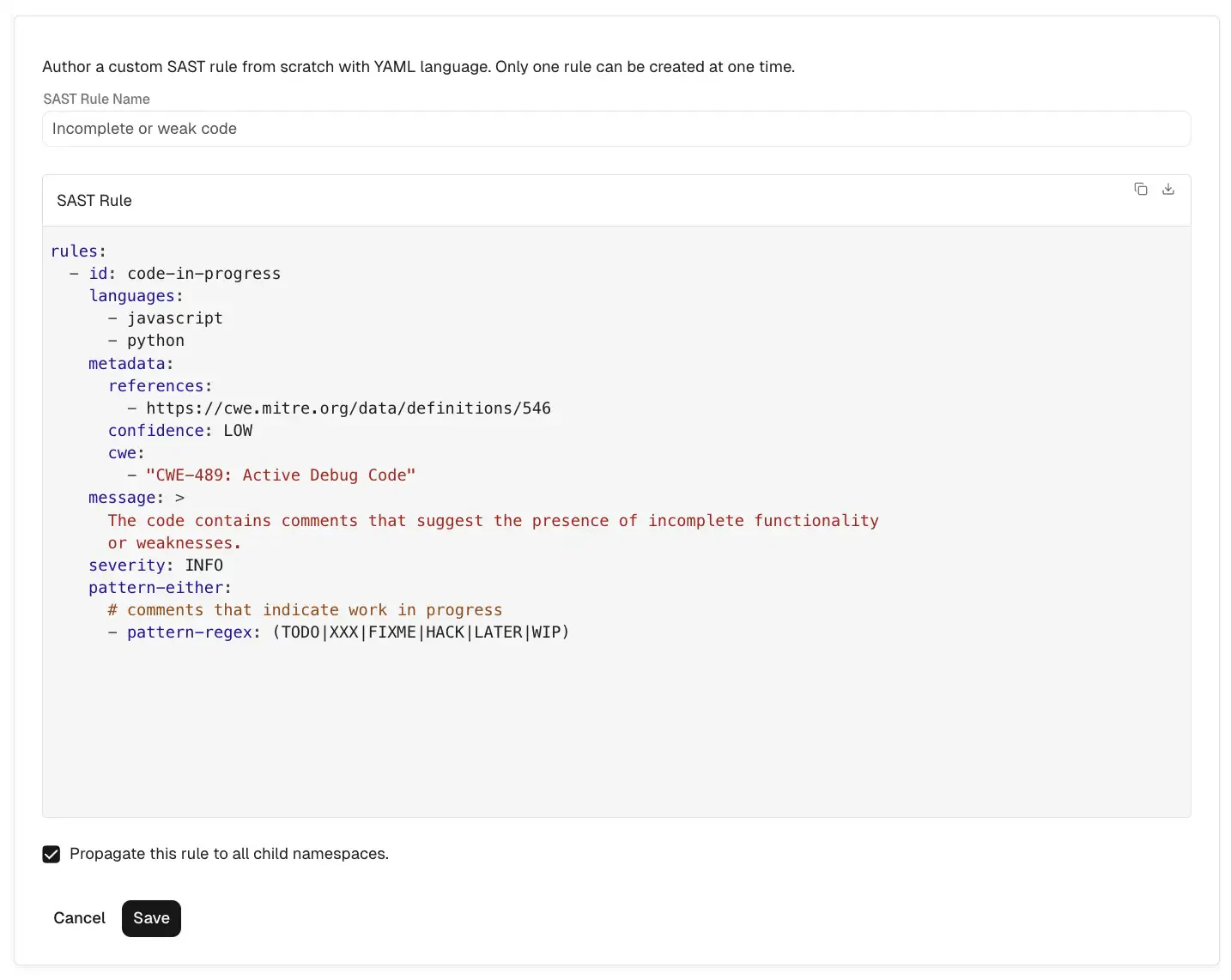
- Click Save to save the rule.
Create a SAST rule
To create a SAST rule: