

Set the filters
Customize the data displayed on the dashboard by applying specific filters to focus on the most relevant information, enabling better analysis and decision-making. critical(C) or high(H) priority findings: Customize the displayed data by selecting critical or high priority findings or both. Reachability: Filter the data by reachable function or reachable dependency.- Select Yes to include reachable function or dependency.
- Select No to exclude reachable function or dependency.
- Select Potential to include potentially reachable functions or dependencies.
Use impact calculator
Use the impact calculator to see the number of critical and high findings remediated after applying the recommended Endor Patches.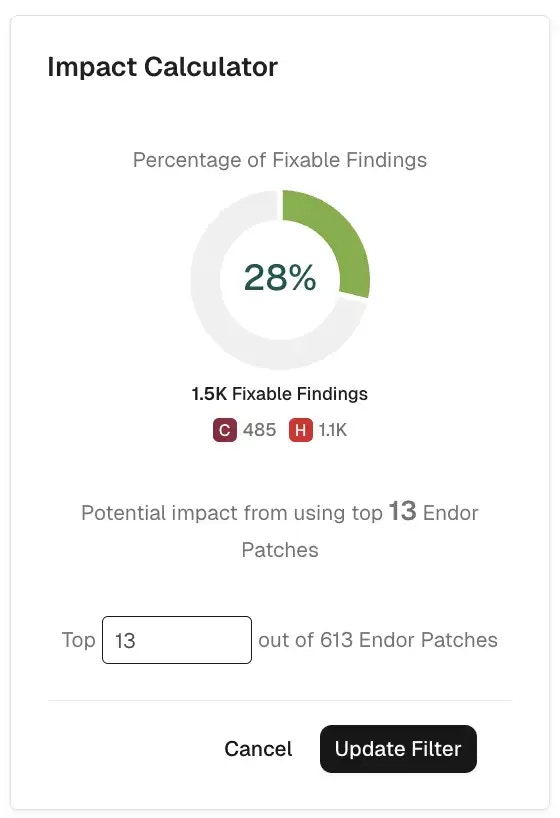
View impact of Endor Patches
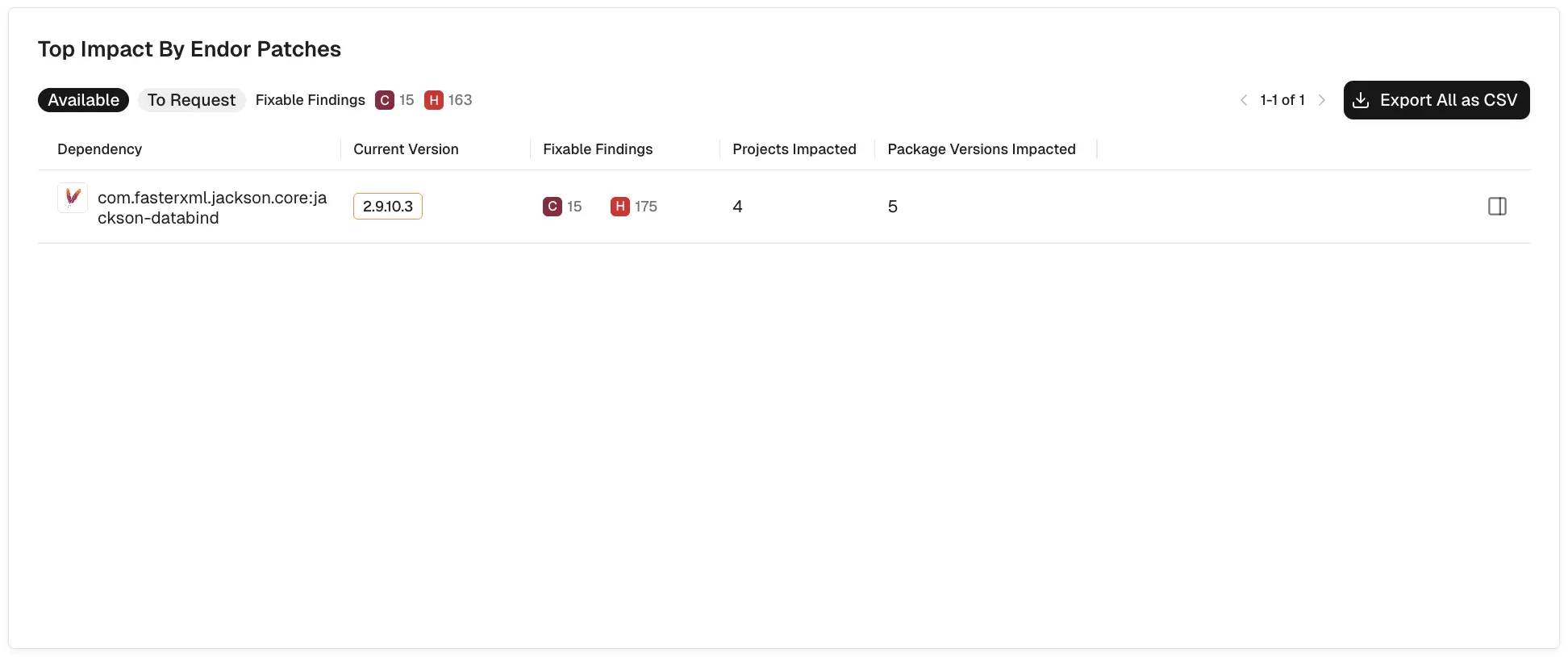
The Top Impact by Endor Patches section shows available patches you can request, along with a list of dependencies, their current versions, findings, and impacted projects and package versions. You can expand a dependency to view detailed information and click Export All as CSV to download the data for offline analysis.View available Endor Patches
To view Endor Patches that are available and ready for use:- Select the Available preset filter to show Endor Patches that are already available.
-
You can review dependencies, fixable findings, and affected projects and package versions to understand the impact of a patch.
-
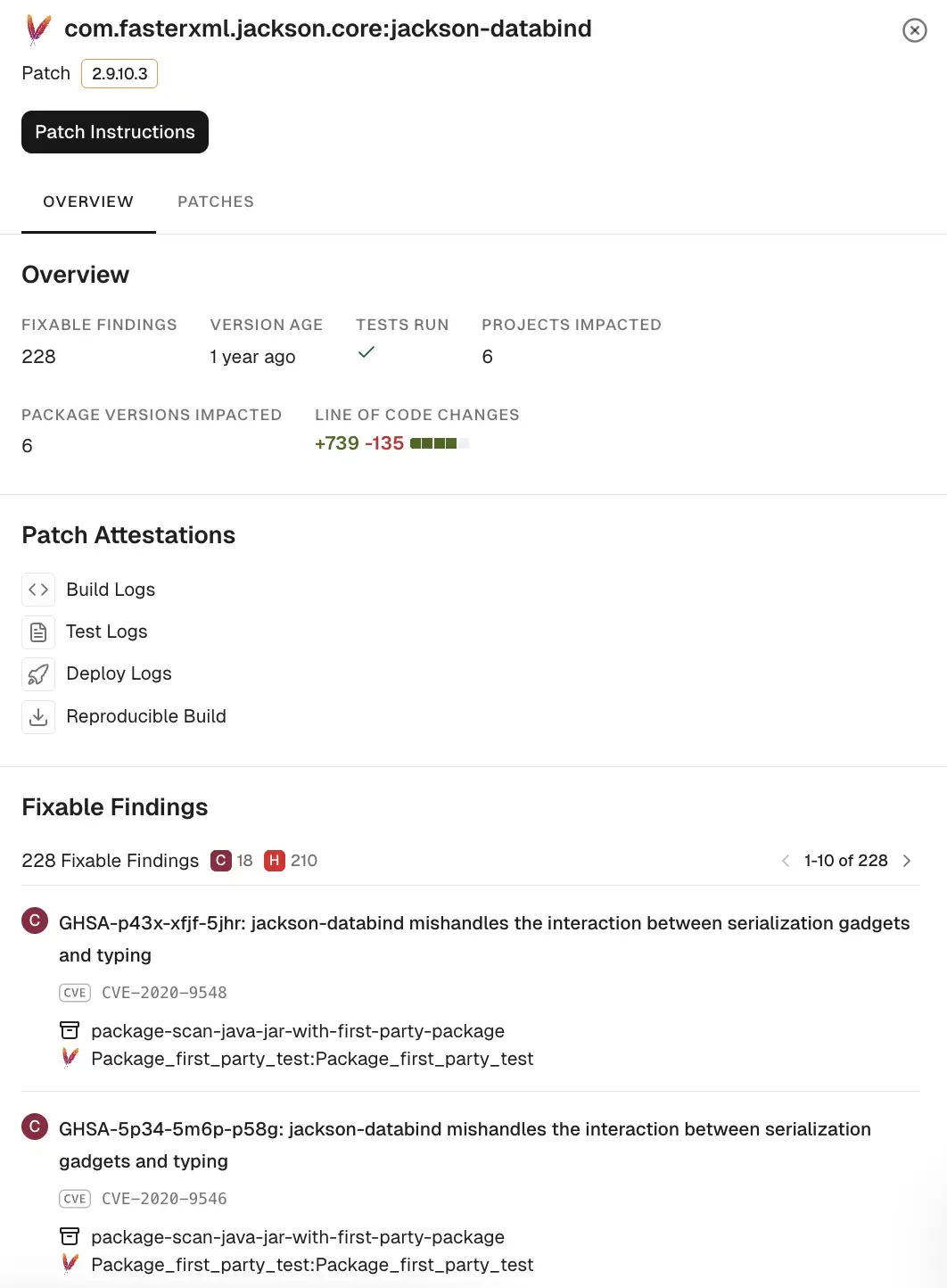
Select a dependency row to view details about the dependency.
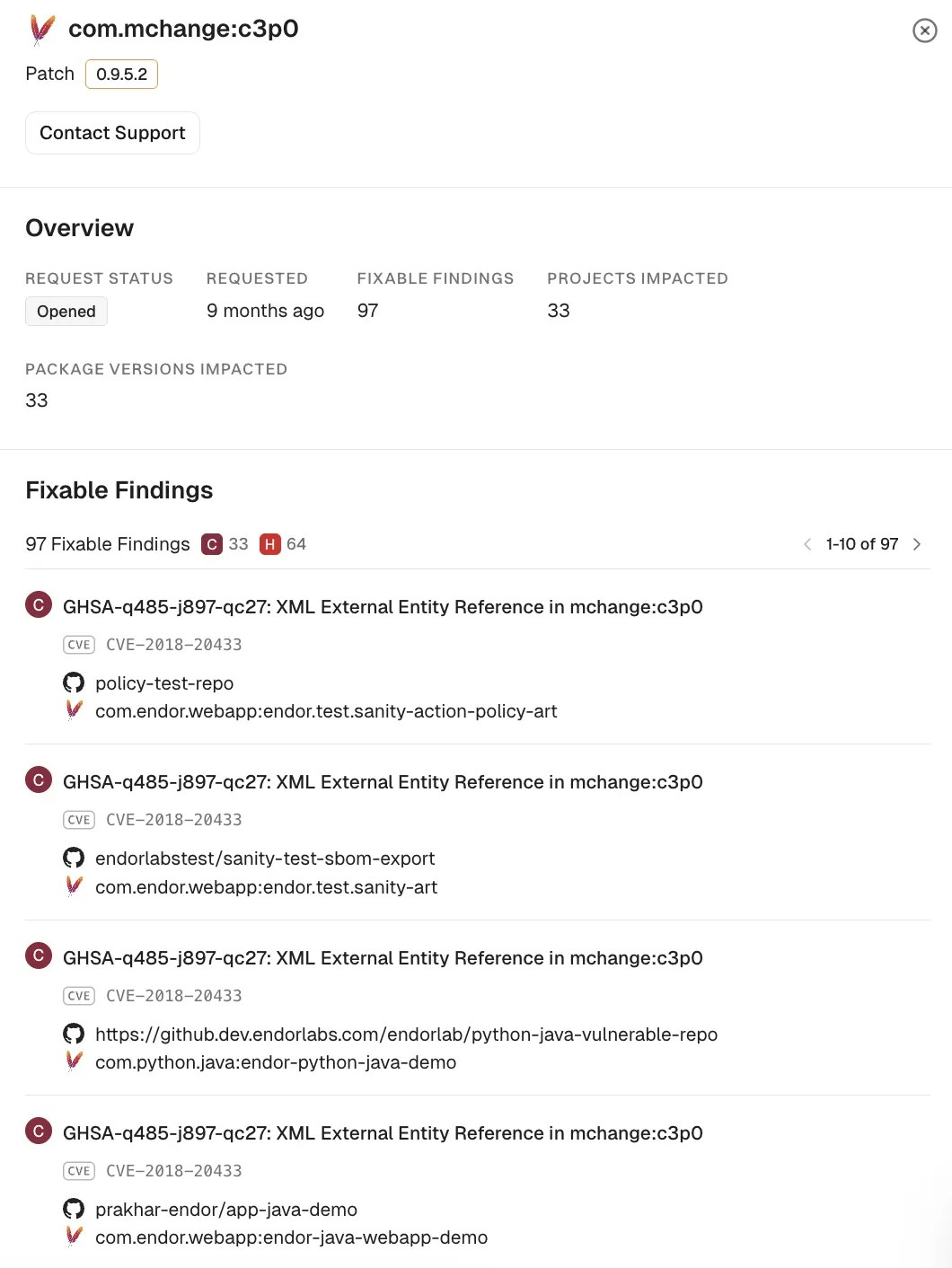
- Select Overview to review key metrics, patch attestations, and a detailed fixable findings list with severity, advisories, and CVEs.
- Select Patches to view total commits and all the file-level changes.
Request Endor Patches
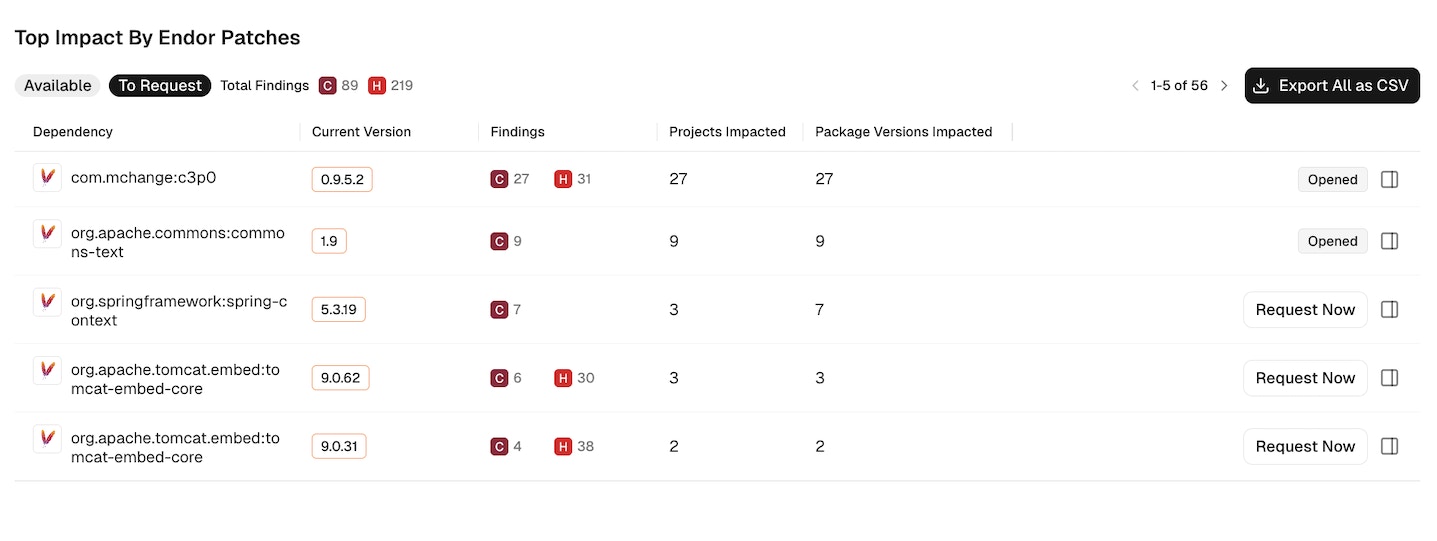
- Select the To Request preset filter to show dependencies where you can ask Endor Labs for a patch.
-
Select Request Now to start a new request. Enter a comment and select Send Request.
-
Select a dependency row to view details such as request status, fixable findings, projects impacted, and package versions impacted.
Patch request lifecycle
The patch request lifecycle consists of four stages: Open, In Process, Done, and Won’t Do, each representing a different phase of assessment and development.- Open: Endor Labs is assessing the request’s feasibility.
- In Process: Endor Labs is actively developing the patch for the request.
- Done: The patch is now available.
- Won’t Do: Endor Labs has determined that the request is not feasible.