

What you can do
The agent answers dependency and vulnerability questions from Endor Labs evidence. Give it a package or a vulnerability identifier, and it responds with results you can act on.- Check whether a specific dependency version has known vulnerabilities.
- Assess open source package risk, including vulnerabilities and malware.
- Look up the details behind a specific vulnerability.
Set up the Endor Labs agent
Install the Endor Labs Agentic app on your GitHub organization. Then choose the repositories where you want the agent to run.- Install the Endor Labs Agentic app on your organization.
- Select the repositories where you want the agent available.
- Open a repository, then assign or mention the agent on an issue or pull request to invoke it.
Ask the agent
You can ask questions to the agent through the Agents tab in GitHub or in the PR comments. The following examples show some questions you can ask the agent:Does npm lodash 4.17.19 have known vulnerabilities?What is the open source risk for PyPI requests 2.31.0?Show the details for CVE-2021-23337
Use the agent from the Agents tab in GitHub
- Open your repository in GitHub.
- Select the Agents tab.
- Choose the branch that you want to query.
-
Select
endor-labs-github-agenthqas the agent.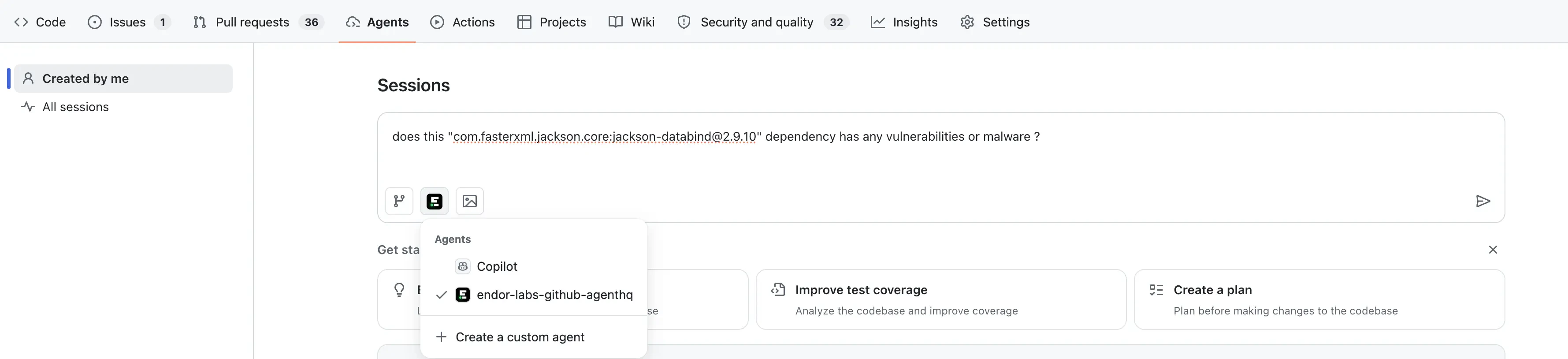
-
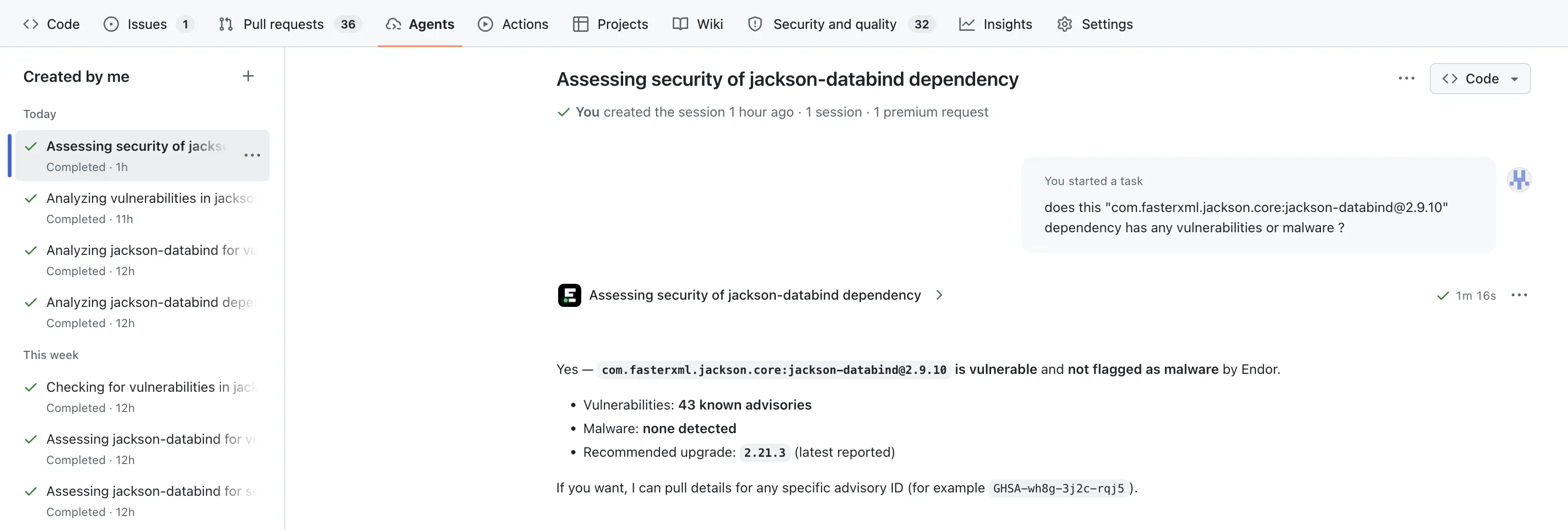
Enter your question.
The agent analyzes the question and displays the answer.
Use the agent in pull requests
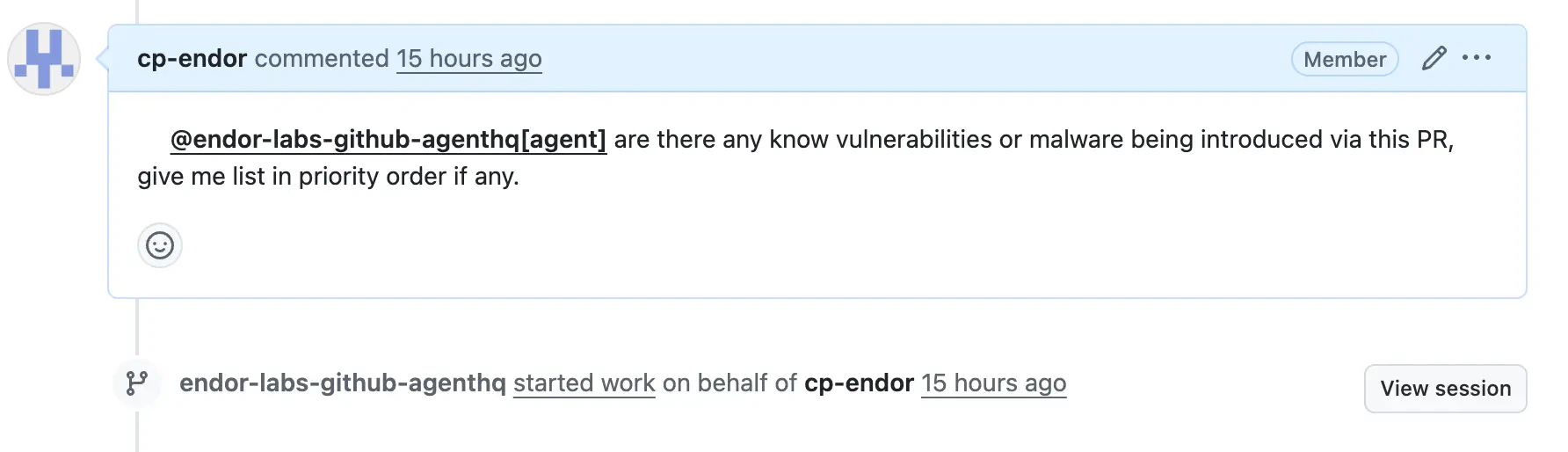
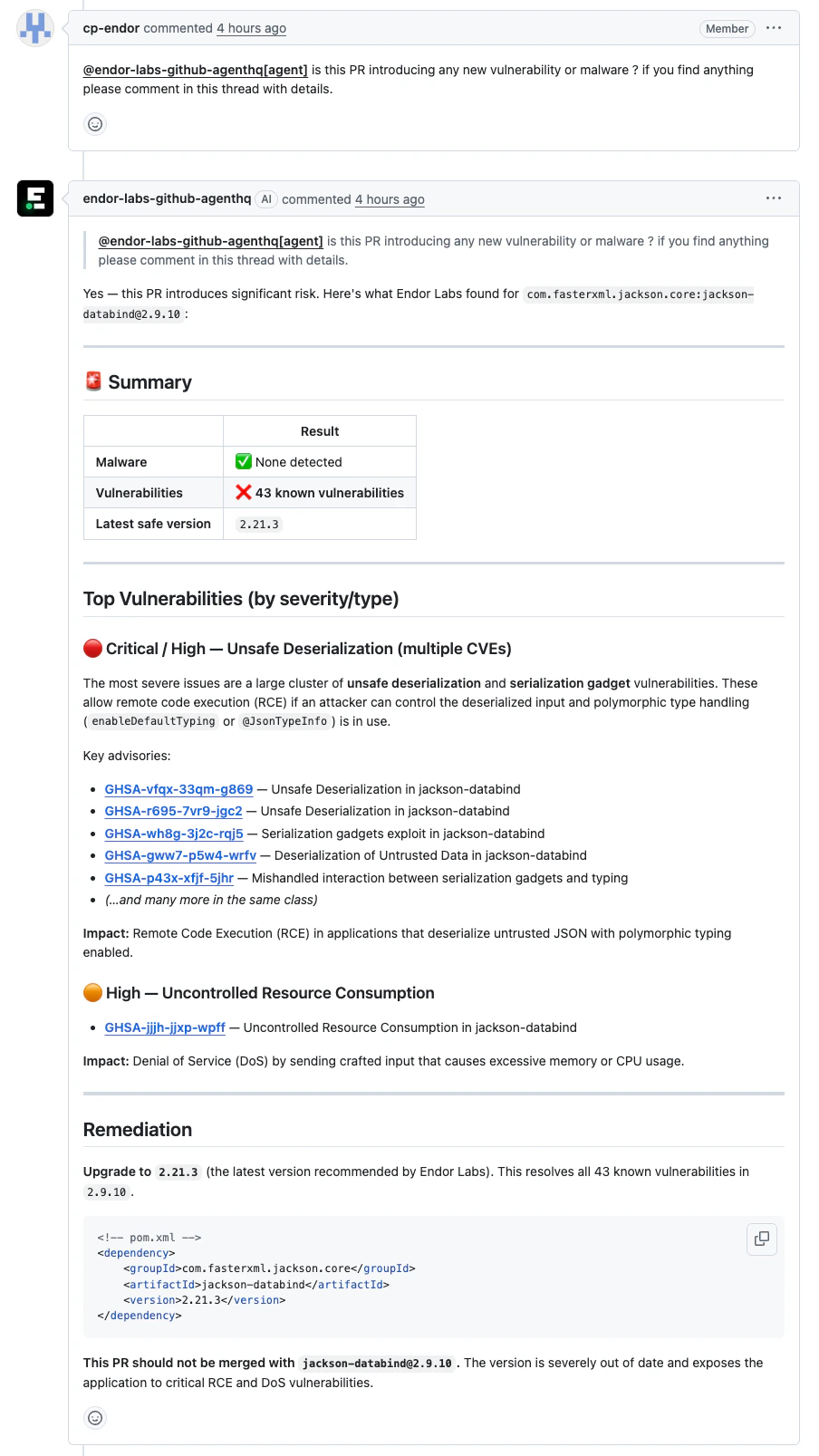
You can invoke the agent in a pull request to get information about the proposed changes. In a new pull request comment, invoke the agent with@endor-labs-github-agenthq[agent].
For example:
What’s not included
The agent focuses on dependency and vulnerability checks. The following features are not available in Endor Labs GitHub AgentHQ:- Repository scanning and reachability analysis
- Static application security testing (SAST)
- Secrets detection
- Project findings
For repository scanning, reachability analysis, SAST, and secrets detection in your IDE, see the Endor Labs MCP server.
Troubleshooting
Check the following tips if the agent isn’t responding as expected:- Agent not listed: Confirm the Endor Labs app is installed and the repository is selected.
- Ambiguous package: Give the agent the exact ecosystem, package name, and version. The agent asks for these rather than reading repository files.