You can edit only the custom SAST rules. You cannot edit or delete Endor Labs or third-party rules.
To edit a SAST rule:
-
Select Policies & Rules > SAST RULES from the left sidebar.
-
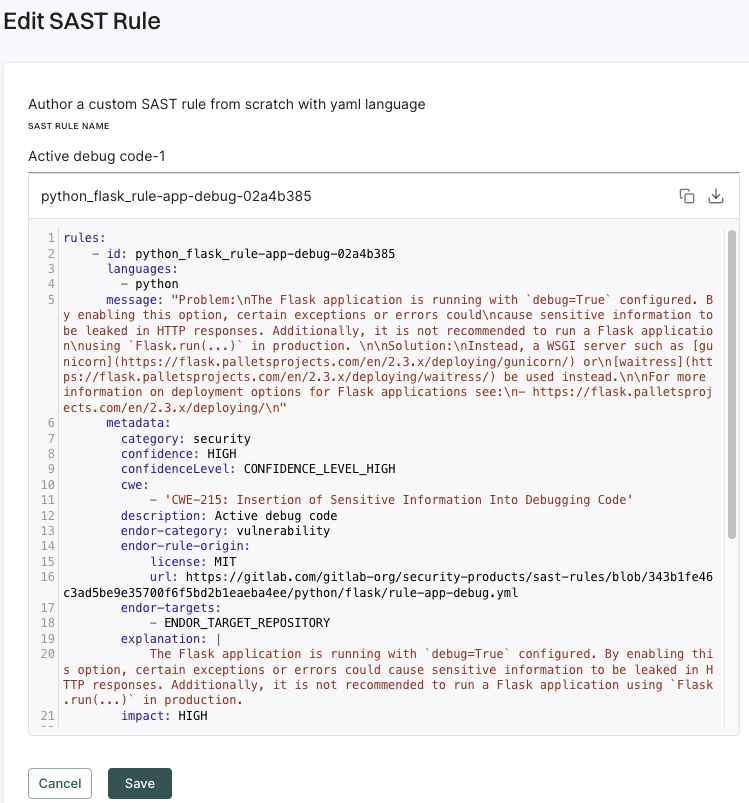
Click edit next to a rule and select Edit Rule.
-
After you complete the edits, click Save to save the rule. You can also delete or disable a rule from the Edit SAST Rule screen.