Configure Endor Labs to integrate with private Swift package repositories to access proprietary dependencies during security scanning and analysis. When your Swift projects depend on packages hosted in private or corporate repositories, Endor Labs requires authentication credentials to resolve these dependencies and generate a complete bill of materials.
This integration enables Endor Labs to:
- Access private Swift packages during dependency resolution
- Generate comprehensive security analysis including private dependencies
- Maintain complete visibility into your software supply chain
Endor Labs integrates with your self-hosted package repositories and source control systems to give you visibility into your environment. Package manager integrations allow users to simplify scanning using custom repositories.
Endor Labs generally respects package authentication and configuration settings and a package manager integration is usually not required to scan private packages successfully.
-
Use package manager integrations to simplify scanning when authentication to private repositories is not part of standard manifest or settings files.
-
Package manager integrations allow you to set custom repositories for each package ecosystem and the priority of each repository for scanning.
To set up a package manager integration:
-
Sign in to Endor Labs and select Integrations from the left sidebar.
-
Click Manage in the package manager configuration you want to customize.
-
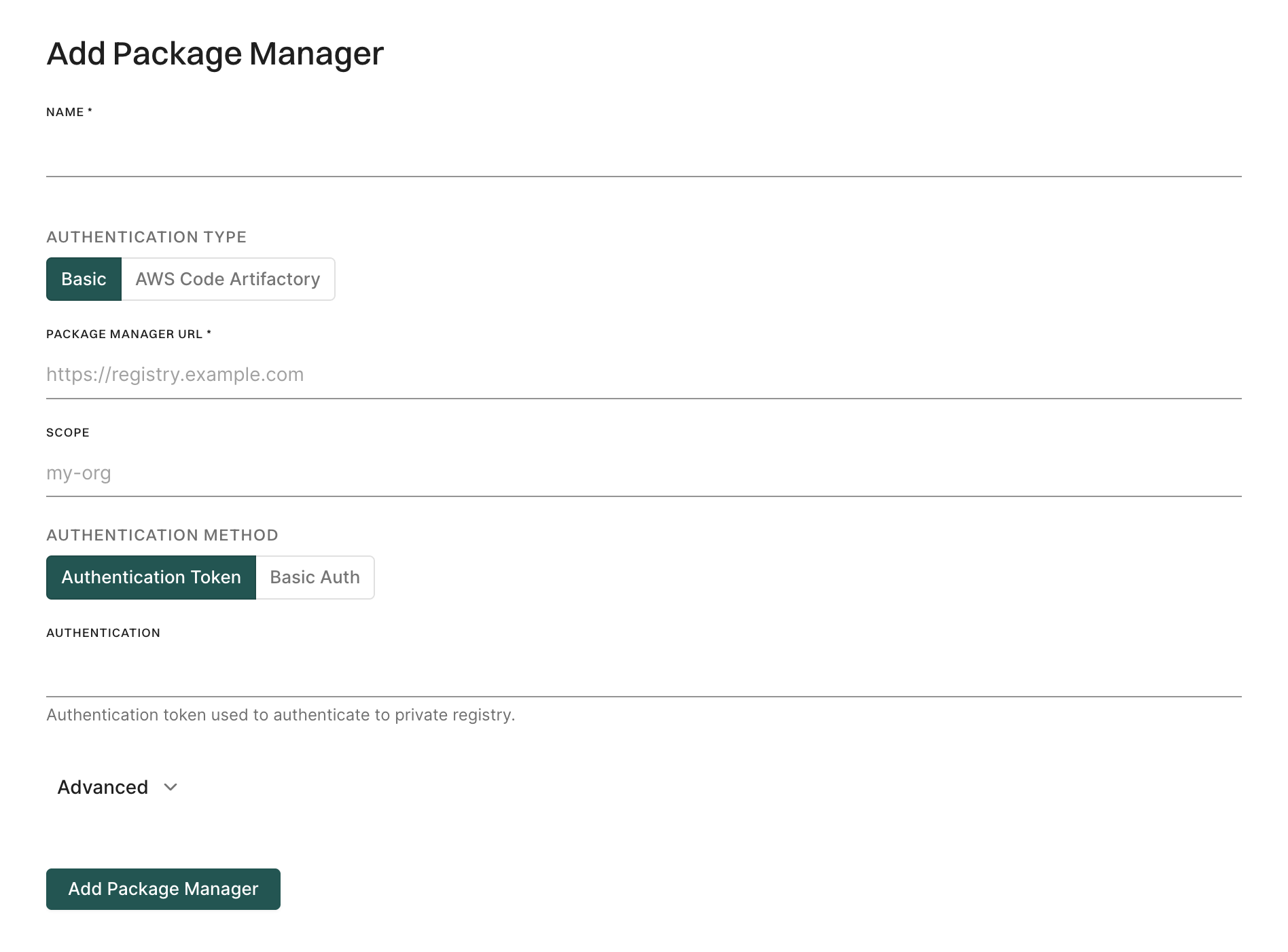
Select Add Package Manager.
-
Enter the name of the package manager.
-
Select either Basic or AWS Code Artifactory as Authentication Type.
See AWS authentication for more information.
Authenticate to Swift private package repositories
To connect to private repositories of Swift Package Manager enter the package manager URL and the package registry credentials such as username and password.
- Select Integrations from the left sidebar.
- Click Manage in the package manager configuration you want to customize.
- Click the vertical three dots of the package manager configured and select Test Connection.
Package manager integration for SwiftPM using API
Use endorctl to create a package manager resource for your private swift registry and authenticate using one of the following methods:
- Basic authentication using username and password
- Authentication token
Basic authentication using username and password
Run the following command to create a package manager resource and authenticate to Swift registry using basic authentication credentials with scope.
Replace:
namespacewith your namespace.usernamewith your usernamexxxxwith your password.scopewith your scope. For example,"scope":"abc-corp".
endorctl api create -r PackageManager -n <namespace> -d '
{
    "meta": {
        "name": "test swift",
        "description": "setup swift registry with basic auth"
    },
    "spec": {
        "swift": {
            "priority": 1,
            "url": "package manager url",
            "basic_auth": {
                "username": "username",
                "password": "xxxx"
            },
            "scope": "scope"
        }
    },
    "propagate": false
}'
Authentication token
Run the following command to create a package manager resource and authenticate to Swift registry using authentication token with scope.
Replace:
namespacewith your namespacetokenwith your Swift registry authentication token.scopewith your scope. For example,"scope":"abc-corp".
endorctl api create -r PackageManager -n <namespace> -d '
{
   "meta": {
       "name": "test swift",
       "description": "setup swift registry with token"
   },
   "spec": {
       "swift": {
           "priority": 1,
           "url": "package manager url",
           "token": "authentication token",
           "scope": "scope"
       }
   },
   "propagate": false
} '